What is a QR Code?
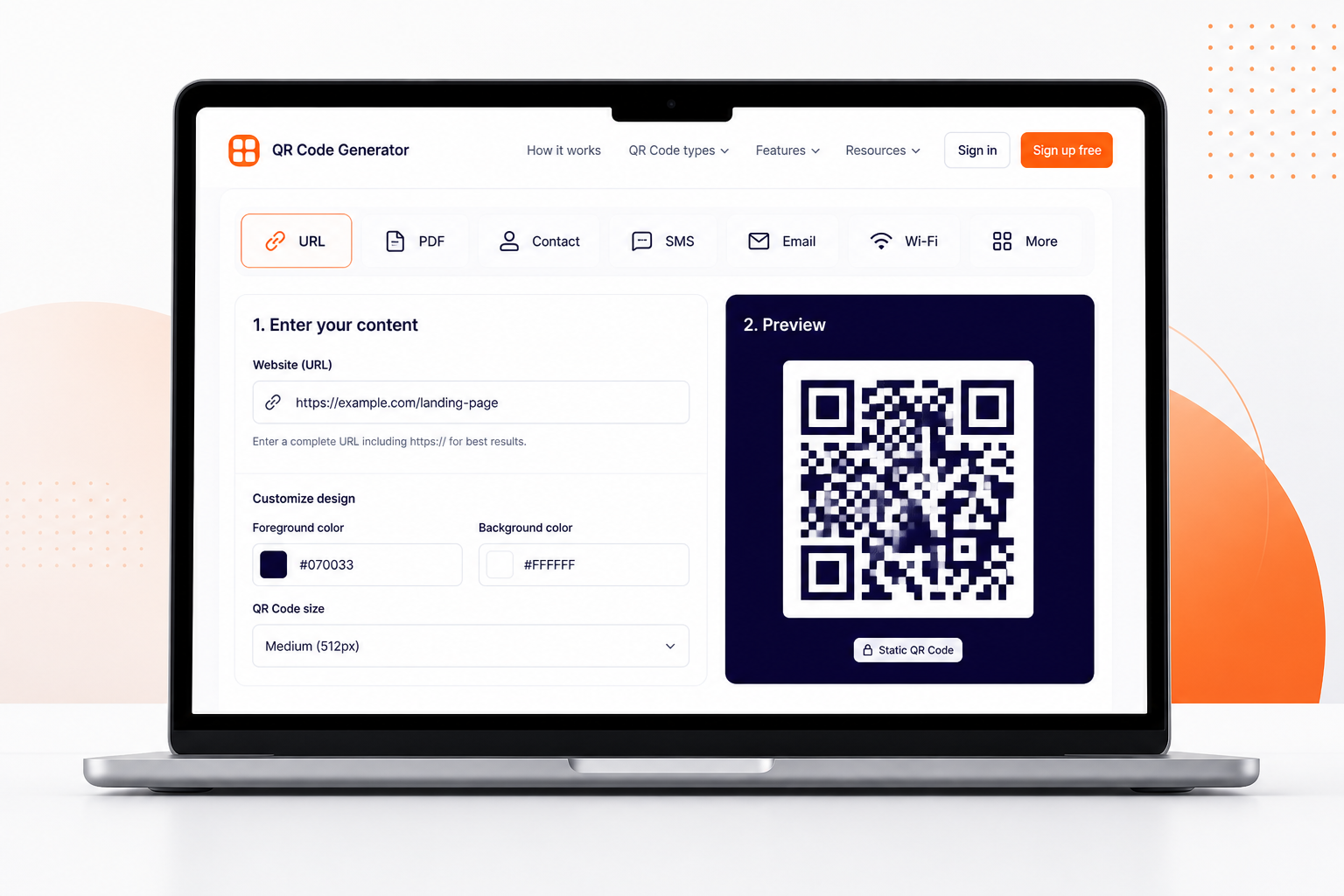
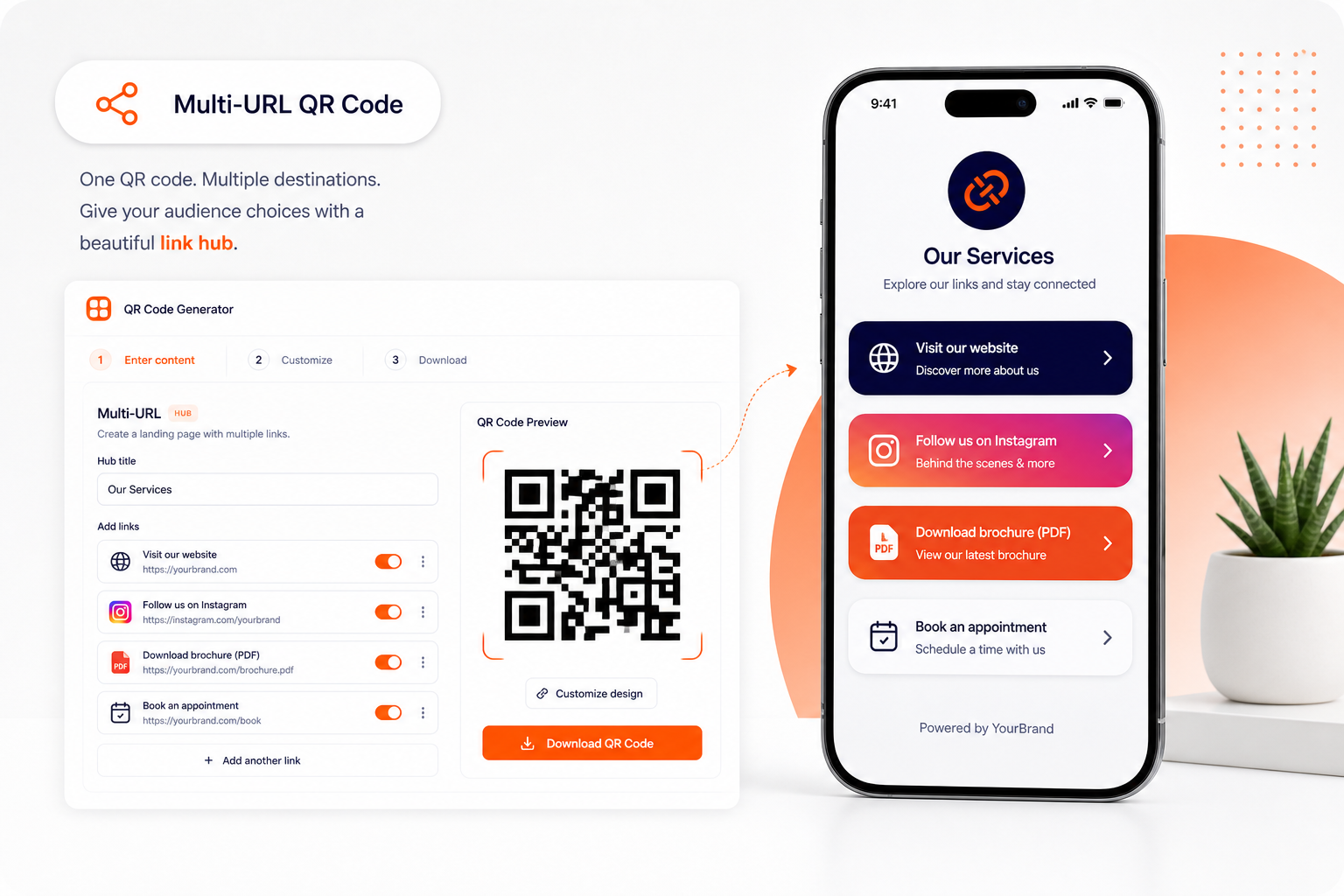
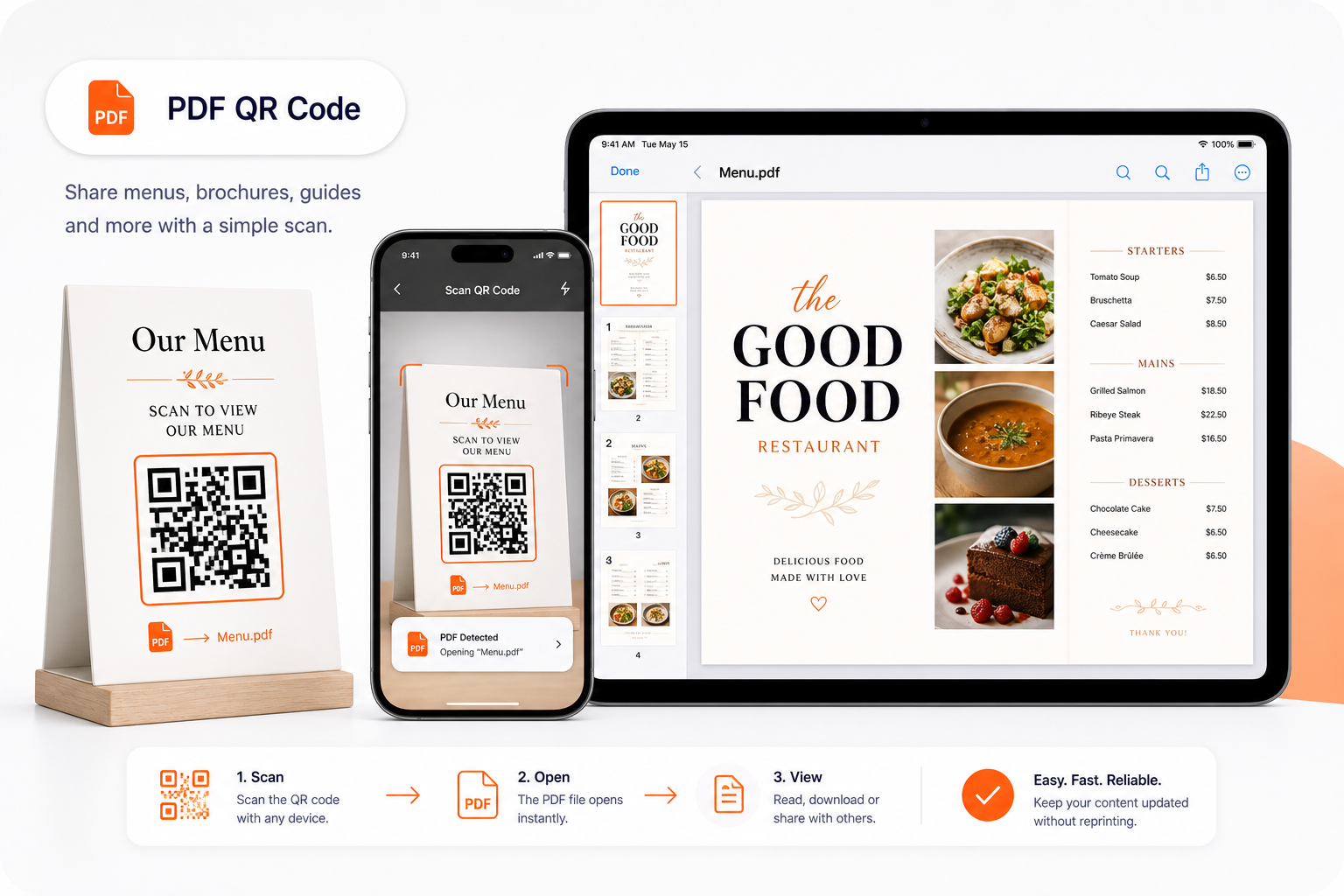
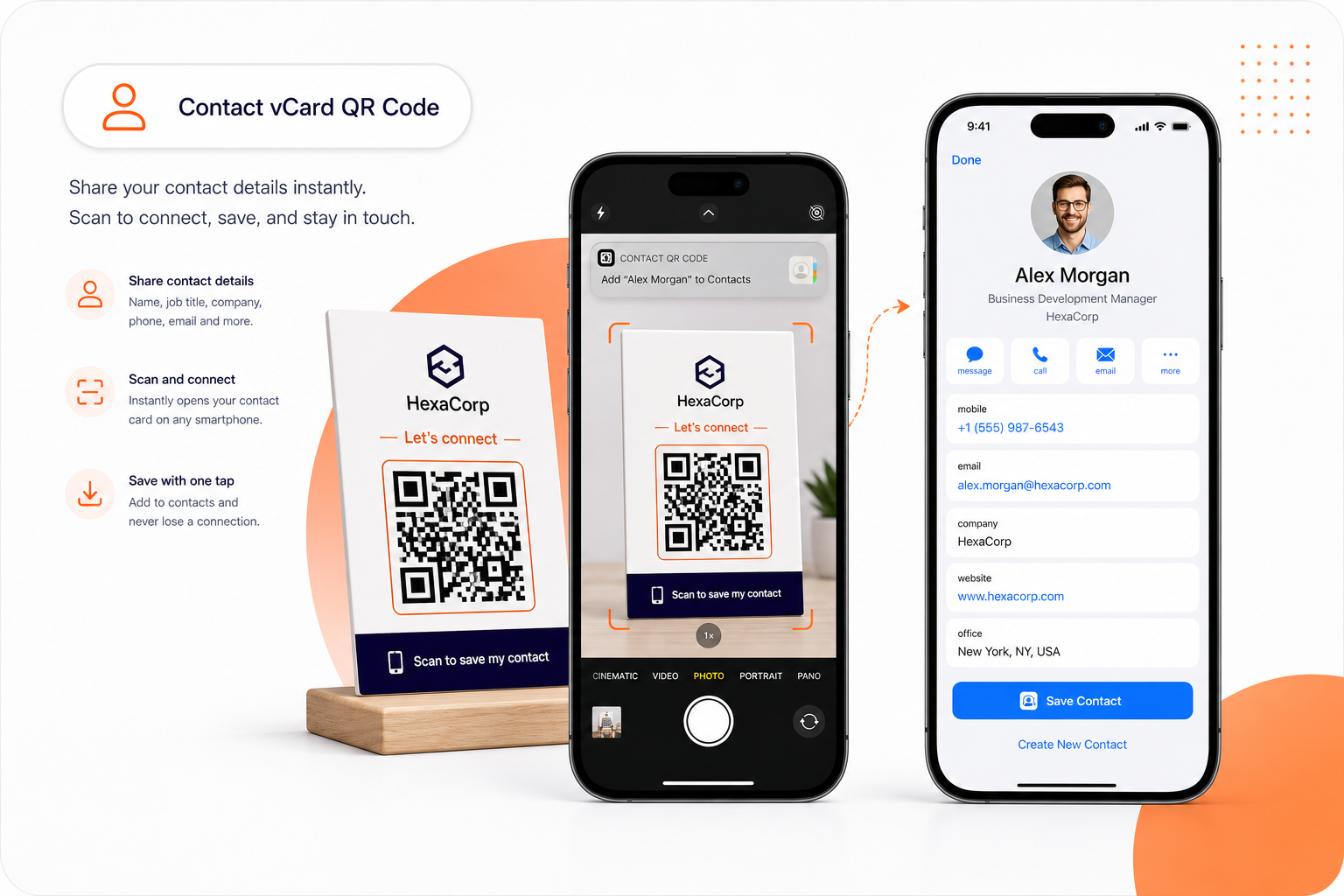
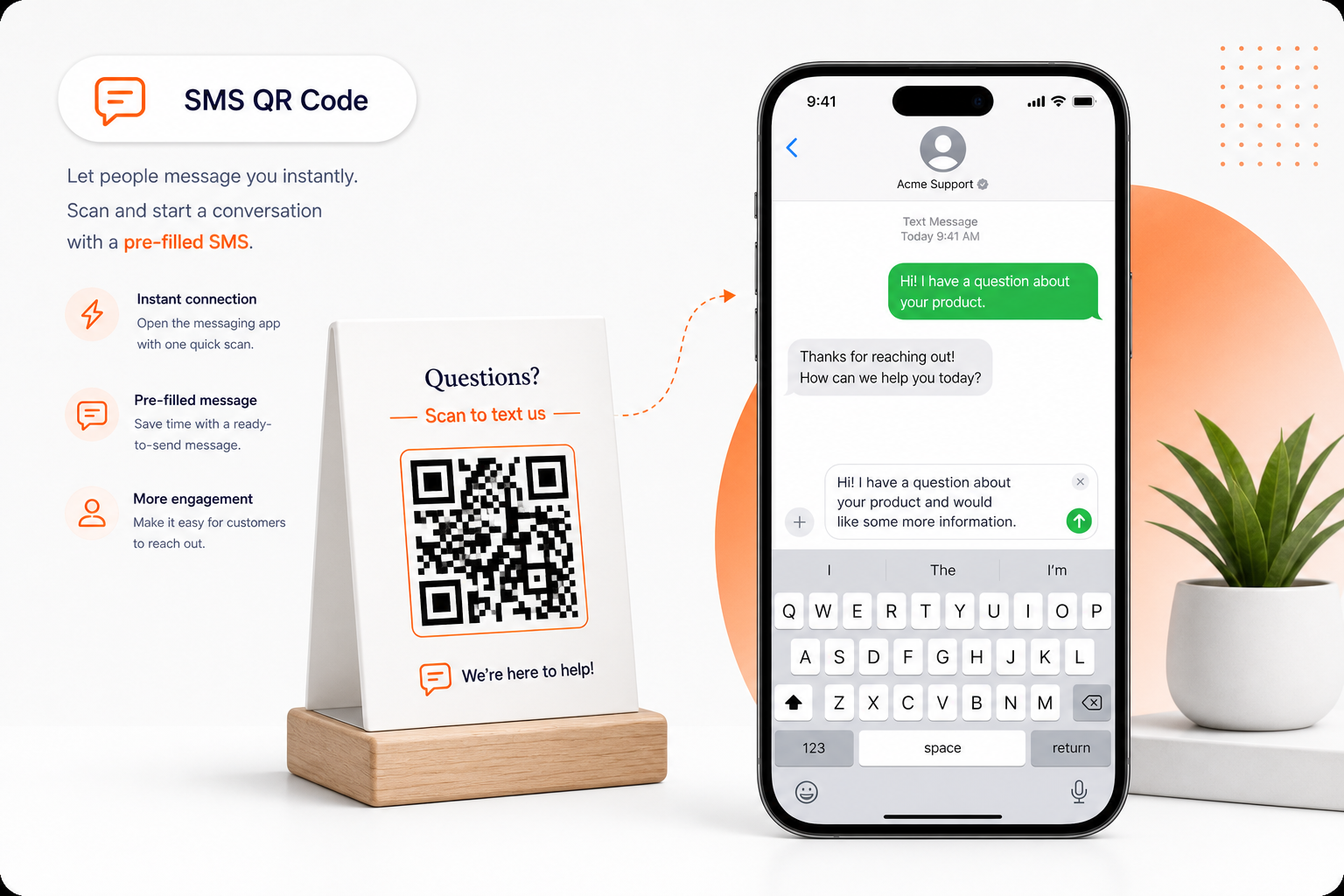
A QR code (Quick Response code) is a two-dimensional barcode that stores information such as URLs, text, contact details, or other data in a machine-readable format. When scanned with a smartphone camera, the QR code instantly redirects the user to the encoded destination — whether that's a website, a PDF document, a vCard contact, or a specific action like sending an SMS or making a phone call.
QR codes were invented in 1994 by Denso Wave for tracking automotive parts, but today they are used globally across marketing, retail, hospitality, healthcare, education, and events. Their ability to bridge offline print materials with online digital experiences makes them indispensable for modern businesses.
What is the difference between static and dynamic QR Codes?
Static QR codes encode information directly into the code pattern. Once generated, the data cannot be changed. They are ideal for permanent content like Wi-Fi passwords, fixed URLs, or contact details. Static QR codes work forever and don't require an internet connection to redirect.
Dynamic QR codes use a short redirect URL that points to your actual destination. This means you can change where the QR code leads without reprinting it. Dynamic codes also enable scan tracking — you can see how many times your code was scanned, from which locations, on what devices, and at what times. This makes them essential for marketing campaigns, restaurant menus, and any use case where the content may change.
Why do so many businesses use QR Codes now?
QR codes remove friction between physical and digital interactions. Instead of typing long URLs, customers simply scan and arrive. Businesses use QR codes on packaging to link to product manuals, on restaurant tables for digital menus, on business cards for instant contact saving, on posters for event registration, and on storefronts for after-hours information.
Since COVID-19 accelerated contactless interactions, QR code usage has grown over 400%. Modern smartphones scan QR codes natively through their camera app — no special scanner app is needed. Combined with scan analytics and dynamic editing capabilities, QR codes have become one of the most cost-effective marketing tools available.
How do I scan a QR Code?
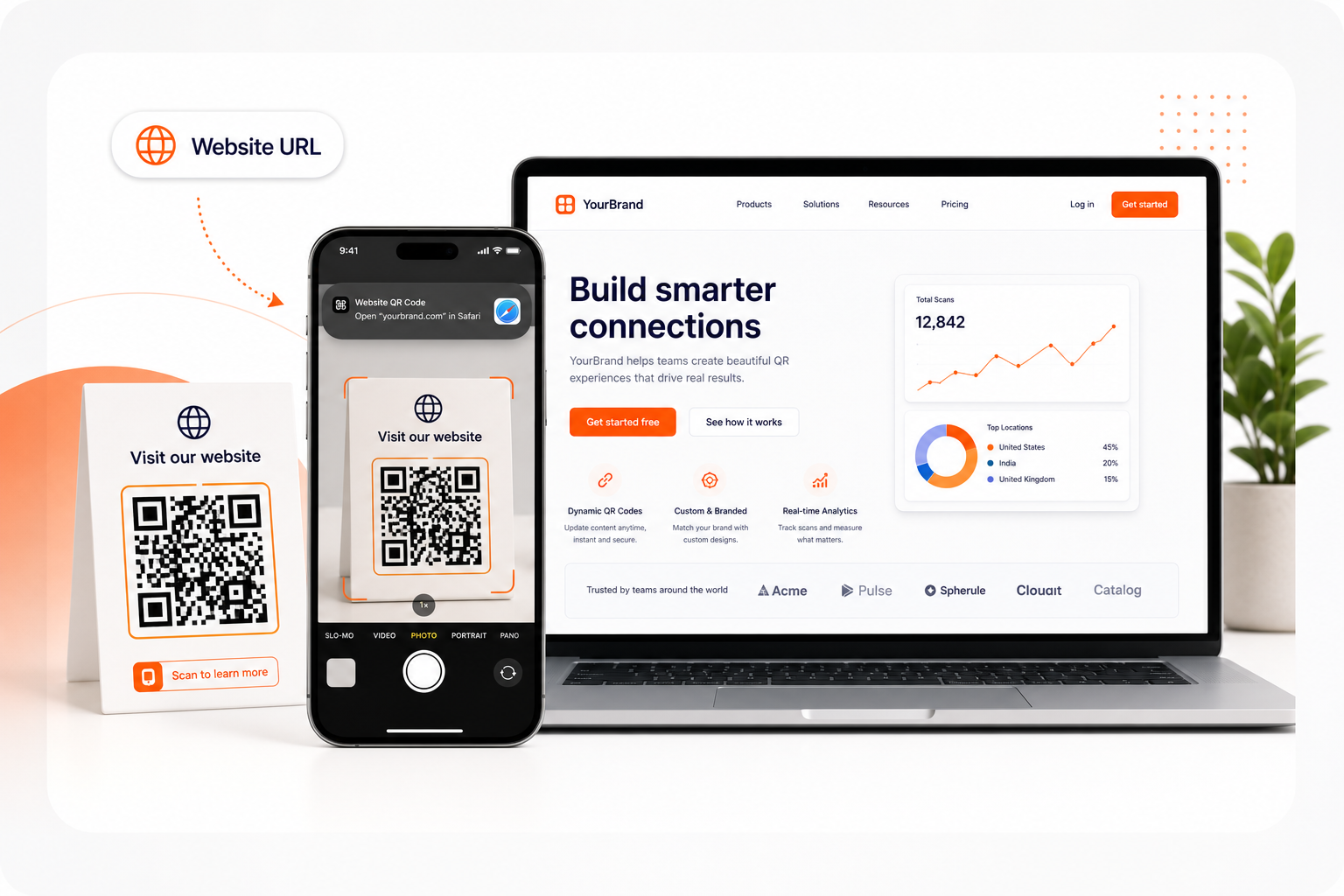
On iPhone (iOS 11+): Open the default Camera app, point it at the QR code, and tap the notification banner that appears. On Android (9+): Open the Camera app or Google Lens, point at the QR code, and tap the link. Most modern smartphones released after 2018 support native QR code scanning without any additional app.
What file format should I download — PNG or SVG?
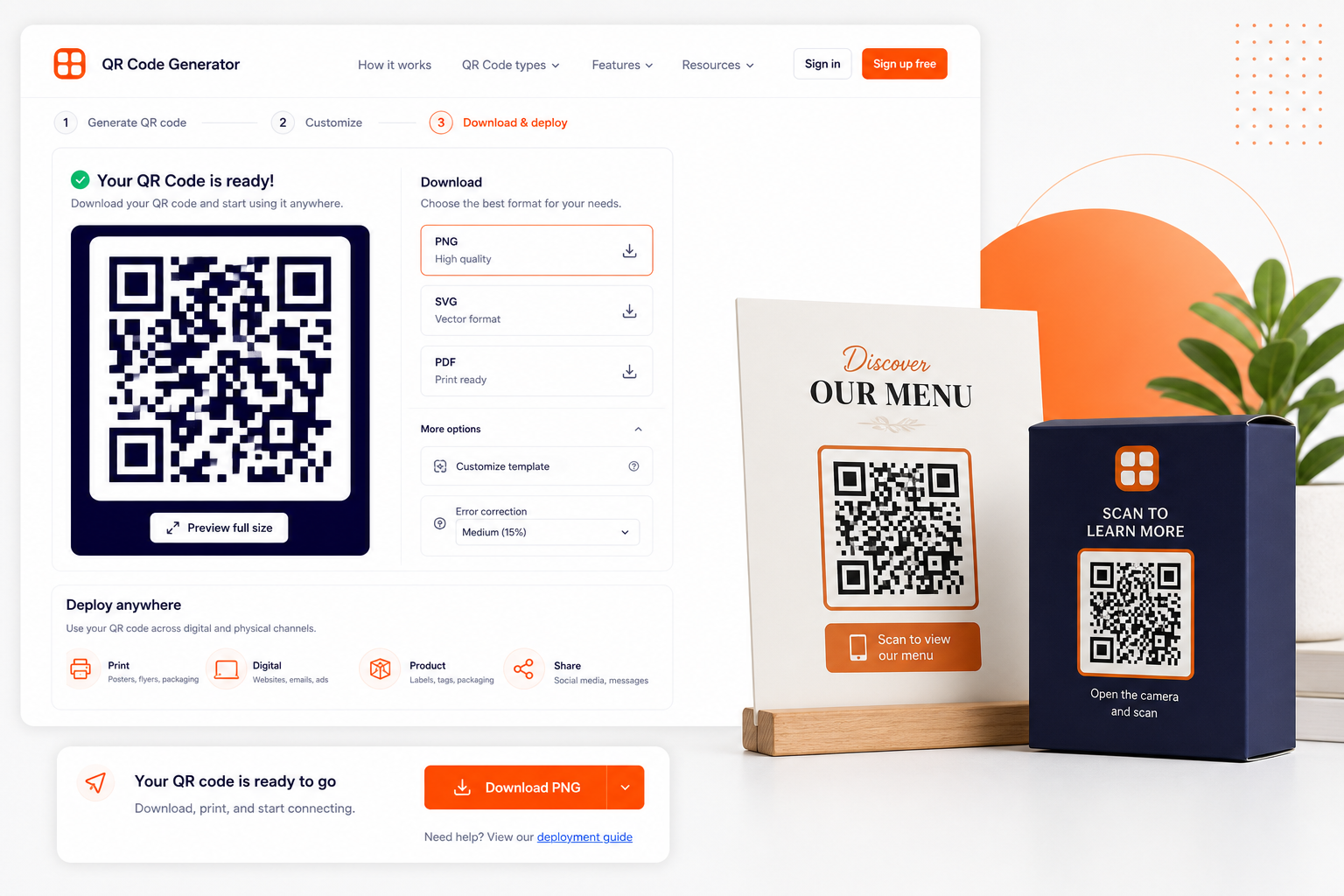
PNG (Portable Network Graphics) is best for digital use — websites, social media, email signatures, and presentations. A 1000px or 2000px PNG provides excellent quality for most screen displays.
SVG (Scalable Vector Graphics) is the preferred format for print materials — business cards, posters, packaging, banners, and billboards. SVG files scale to any size without losing quality, ensuring your QR code remains crisp and scannable whether it's on a tiny label or a large banner.
How small can a QR Code be and still work?
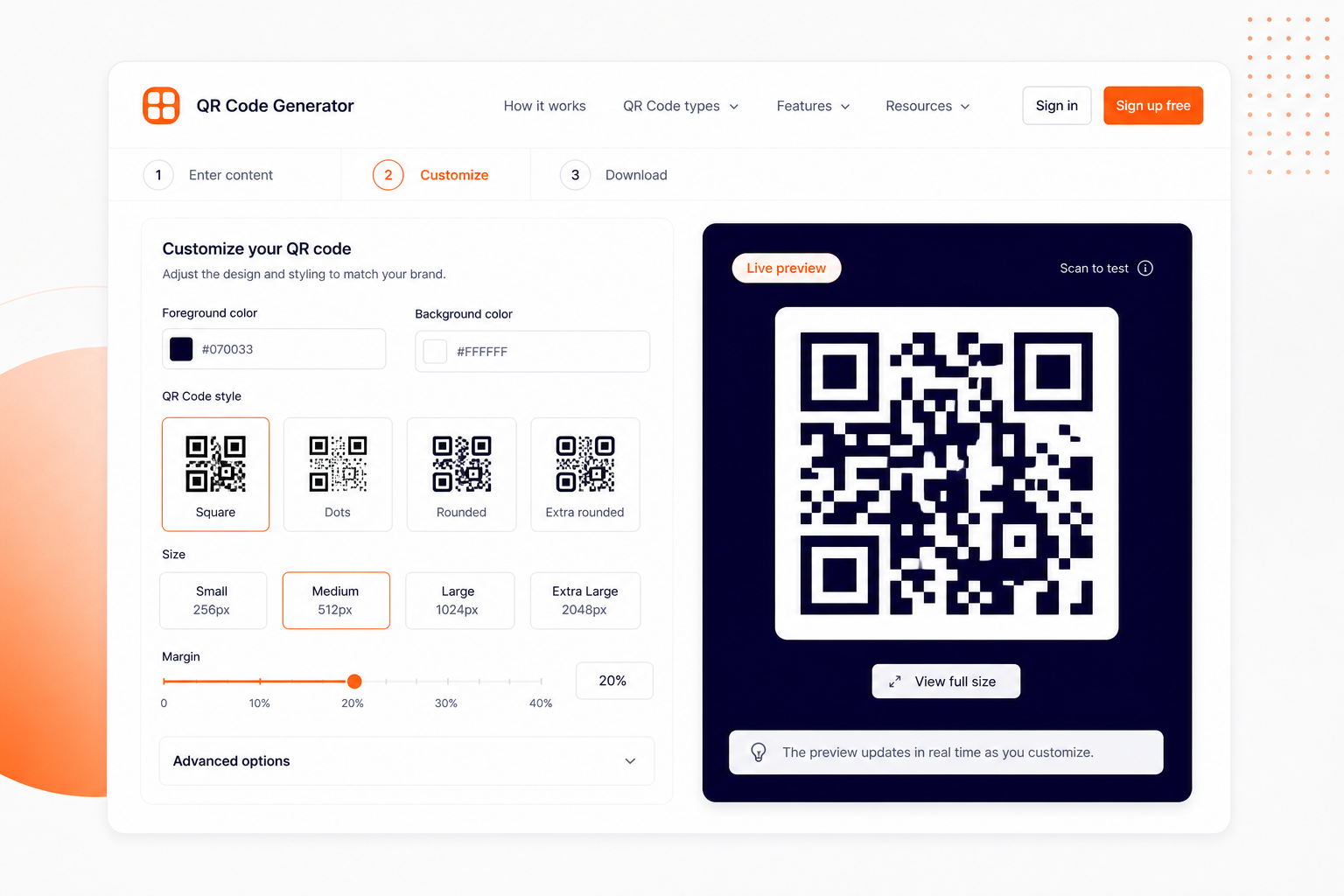
The minimum recommended size for a QR code is 2 cm × 2 cm (0.8 in × 0.8 in) for close-range scanning (within 30 cm). For posters and signage, use the rule of thumb: the QR code should be at least 1/10th of the expected scanning distance. For example, a poster viewed from 3 meters away needs a QR code at least 30 cm wide. Always maintain a quiet zone (white border) around the code of at least 4 modules wide.